Opera Launches Neon AI Browser
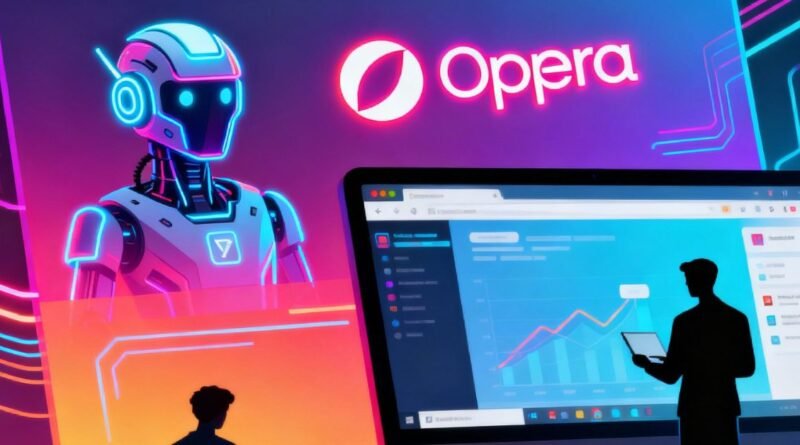
Opera has officially rolled out Neon, a new AI-powered browser that could change the way people use the internet.
Unlike traditional browsers that only show websites, Neon is designed to act on behalf of users, making it one of the first fully “agentic browsers.”
A New Kind of Browser
Opera describes Neon as a shift from passive browsing to active computing.
Instead of users manually searching, clicking, and organizing tasks, Neon can understand goals, open the right tabs, gather information, compare results, and even complete actions such as filling out forms or making purchases.
This makes Neon different from AI chatbots or AI search tools—it blends browsing, automation, and creation into a single platform.
The browser joins a new category of “agentic browsers”, alongside rivals like Perplexity’s Comet and The Browser Company’s Dia.
Key Features
1. Tasks – Smarter Workspaces
Neon introduces Tasks, which act like dedicated project spaces. Each Task keeps multiple tabs and documents organized, while the AI manages research, comparisons, or planning inside that space.
For example, users can plan a trip in one Task while doing shopping research in another—without mixing up the information.
2. Cards – Reusable Prompts
Neon uses Cards, pre-made AI instructions that can be combined like building blocks. Instead of writing prompts from scratch, users can stack Cards such as “comparison table” and “pull details” to create quick product reviews. Community-made Cards will also be available through a built-in store.
3. Neon Do – Autonomous Execution
Perhaps Neon’s most exciting feature is Neon Do, which allows the browser to carry out tasks directly. It can open and close tabs, pull data from different websites, fill forms, or even finish transactions—all while keeping user data secure inside the browser.
4. Neon Make – AI Content Creation
The Make feature lets users create apps, websites, games, or reports using just a prompt. The browser can continue working on these projects even when the user goes offline, and the results can be shared with full source files for editing.
Technical Strengths
Unlike some AI tools that “see” websites like screenshots, Neon reads web pages through their DOM structure, meaning it understands the layout and content directly.
This makes it faster and more accurate for gathering information or automating tasks.
In live demonstrations, Neon showed the ability to open relevant tabs, group sources, and complete research projects with little user input—something traditional browsers cannot do.
Pricing and Availability
Subscription Price: $19.99 per month
Launch Date: September 30, 2025 (invite-only early access)
How to Join: Interested users can sign up at operaneon.com
to join the waitlist.
Rollout: Broader access will expand in the coming weeks.
This pricing makes Neon more expensive than free alternatives like Microsoft Edge with Copilot, but Opera is betting professionals will pay for stronger AI features.
Competition and Market Context
Neon enters a fast-growing field of AI browsers.
Perplexity’s Comet focuses on automation and data processing.
Dia emphasizes smooth user experience and contextual awareness.
OpenAI is rumored to be working on a Chromium-based browser with its Operator agent.
Opera is positioning Neon as the most complete AI browser, combining automation, structured tasks, and creative tools in one place.
News Gist
Opera has launched Neon, its first AI-powered “agentic browser” that can perform tasks, create content, and automate workflows.
Priced at $19.99/month, Neon introduces Tasks, Cards, Neon Do, and Neon Make to redefine browsing beyond simply viewing web pages.
FAQs
Q1. What is Opera Neon?
Opera Neon is a new AI-powered browser that actively performs tasks for users, combining automation, research, and content creation.
Q2. When did Neon launch?
Early access began on September 30, 2025, with invites sent to waitlist members. Broader rollout will follow.
Q3. How much does Neon cost?
It costs $19.99 per month as a premium subscription service, targeting professionals and heavy AI users.
Q4. What are Neon’s key features?
Tasks: AI workspaces for projects
Cards: Reusable prompts
Neon Do: Autonomous task execution
Neon Make: AI-powered content and app creation
Q5. How does Opera ensure privacy?
All AI actions run locally in the user’s browser session, with no password sharing. Data is auto-deleted after 30 days.
Q6. Who are Neon’s competitors?
Neon competes with Perplexity’s Comet, The Browser Company’s Dia, and rumored OpenAI browser projects.